Key Management
Key Management
Section titled “Key Management”Guidance for selecting key types, issuing code signing certificates, integrating with HSMs/KMS, and lifecycle operations.
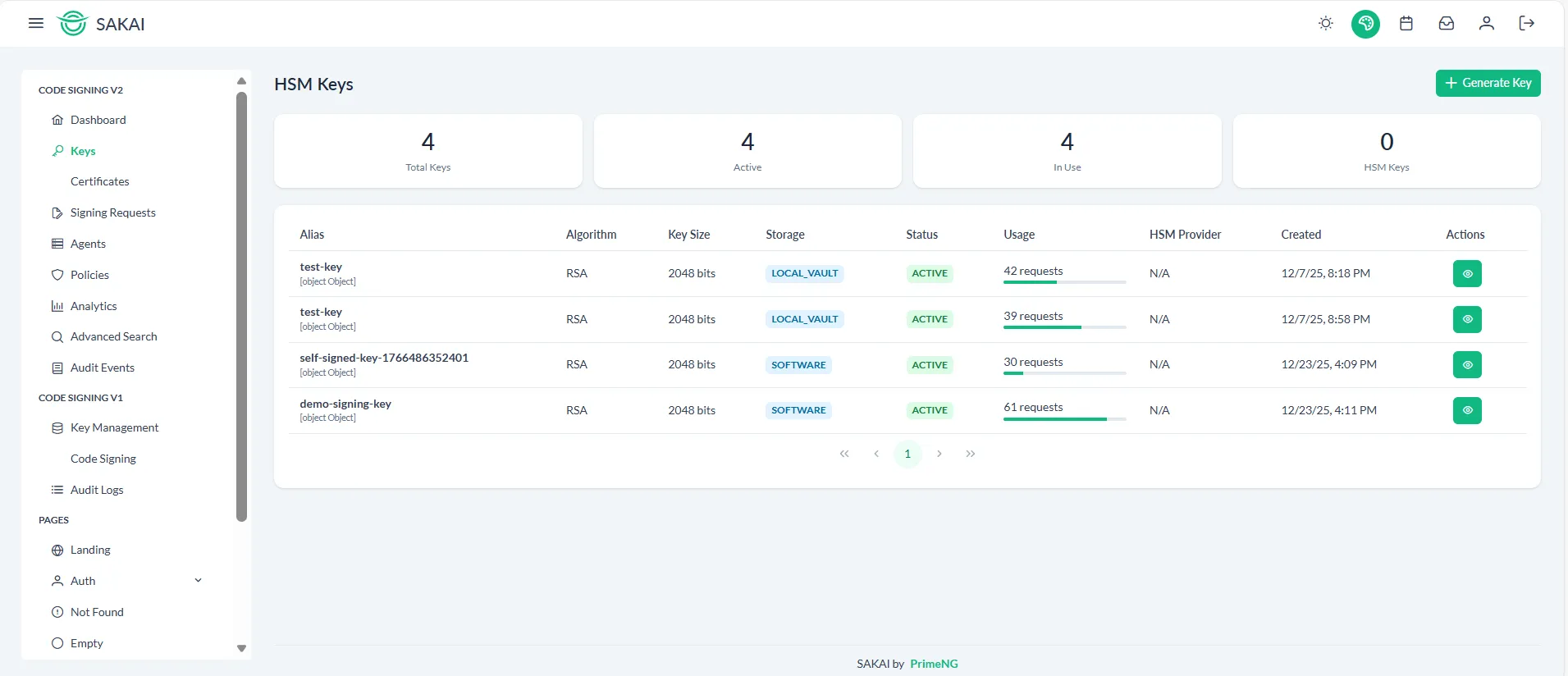
Key types & algorithms
Section titled “Key types & algorithms”- RSA — use RSA 3072 or higher for compatibility; RSA 4096 for long-lived, higher security needs.
- ECDSA — P-256 / P-384 are common; P-256 often favored for performance and size.
- Prefer algorithms supported by your target verification environment (platform tooling, package managers).
Certificates & EKU
Section titled “Certificates & EKU”- Request certificates with the Code Signing Extended Key Usage (EKU) set by the issuing CA.
- Maintain a certificate chain and ensure the verification path is available to consumers.
- For timestamping, rely on RFC 3161 timestamp tokens from trusted TSA providers and store the token with the signature.
Issuance patterns
Section titled “Issuance patterns”- HSM-backed keys: Generate the key inside the HSM and create a CSR that references the public key. The private key never leaves the HSM.
- KMS-backed keys: Use provider IAM policies to bind key usage to the signing service and restrict operations.
Example: Generate CSR with local key (OpenSSL)
Section titled “Example: Generate CSR with local key (OpenSSL)”# Generate key (local/private example - prefer HSM generation in prod)openssl genpkey -algorithm RSA -out signing.key -pkeyopt rsa_keygen_bits:3072
# Create CSR with Code Signing EKUopenssl req -new -key signing.key -subj "/CN=Acme Code Signing" -addext "keyUsage = digitalSignature" -addext "extendedKeyUsage = codeSigning" -out signing.csrExample: SoftHSM / PKCS#11 (dev)
Section titled “Example: SoftHSM / PKCS#11 (dev)”# Initialize and create key in SoftHSM (example)softhsm2-util --init-token --slot 0 --label "dev-token" --so-pin 1234 --pin 1234pkcs11-tool --module /usr/lib/softhsm/libsofthsm2.so -l --pin 1234 --keypairgen --key-type rsa:3072 --id 01 --label "signing-key"# Extract public key to create CSR (vendor tools or pkcs11-tool export)PKCS#11 URI example:
pkcs11:token=dev-token;id=%01;object=signing-key;type=privatePrivate key handling
Section titled “Private key handling”- Never export private keys from HSMs unless the vendor supports secure wrapped backup.
- Use HSM-backed signing operations or a signing agent/proxy so that private material is never exposed to application memory in plaintext.
- Use access controls (PINs, role separation) and rotate PINs/credentials regularly.
Certificate lifecycle & rotation
Section titled “Certificate lifecycle & rotation”- Plan certificate expiry and key rotation well ahead of expiry dates; automate renewals when possible.
- Maintain overlapping validity windows when rotating keys to avoid service downtime.
- Revoke certificates when keys are compromised and publish revocation to consumers as needed (OCSP/CRL where applicable).
Verification & timestamping
Section titled “Verification & timestamping”- Always verify signatures locally against the certificate chain and timestamp tokens where required.
- Timestamp tokens (RFC 3161) preserve signature validity beyond certificate expiry when included and validated.
Checklist (Key & Certificate Operations)
Section titled “Checklist (Key & Certificate Operations)”- Keys generated inside HSM or provider KMS
- CSR created with EKU=codeSigning and proper subject details
- Certificate chain stored and accessible for verification
- Timestamping configured if required for long-term validity
- Key rotation scheduled and tested
- Revocation & incident procedures in place
See also: HSM Setup, Security Best Practices.