Platform Installation
Platform Installation
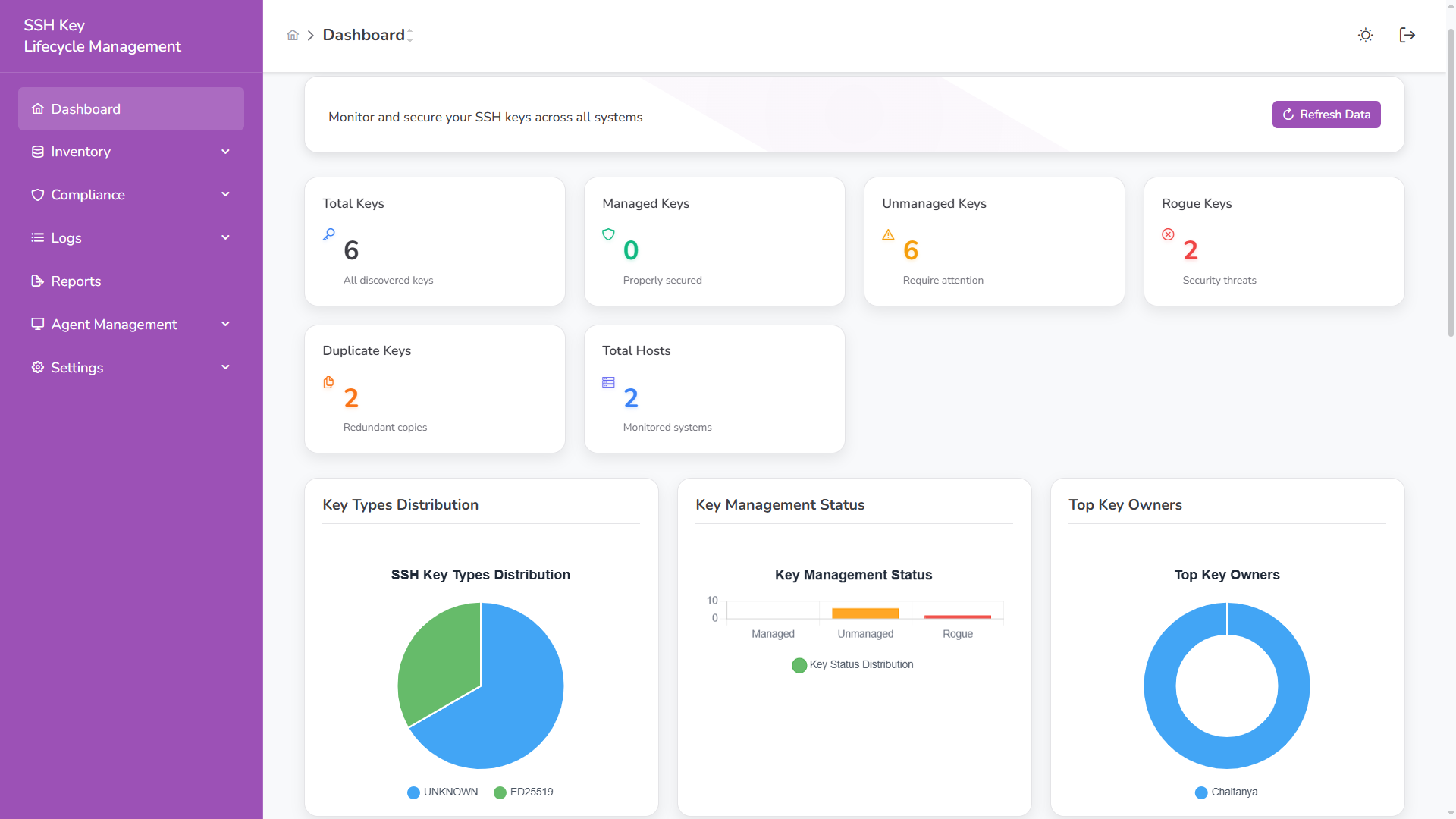
Section titled “Platform Installation”The QCecuring SSH KLM Platform is delivered as a unified Spring Boot application containing:
- REST API
- Web UI
- SSH Key Correlation Engine
- Policy & Governance Engine
- Audit Layer
- Agent Management Service
It runs as a single executable JAR.
Prerequisites
Section titled “Prerequisites”Required
Section titled “Required”- Java 21+
- MongoDB
Optional (Production)
Section titled “Optional (Production)”- TLS certificates
- Reverse proxy (NGINX / Load Balancer)
- SMTP server (for reports & alerts)
Step 1 — Verify Java
Section titled “Step 1 — Verify Java”java -versionExpected: Java 21 or higher.
Step 2 — Start Dependencies
Section titled “Step 2 — Start Dependencies”Start MongoDB
Section titled “Start MongoDB”docker run -d \ --name ssh-klm-mongo \ -p 27017:27017 \ mongo:7Step 3 — Run the Platform
Section titled “Step 3 — Run the Platform”Navigate to your JAR location:
cd installersStart the application:
java -jar ssh-klm-0.0.1-SNAPSHOT.jarYou should see:
:: Spring Boot :: (v3.x.x)No active profile set, falling back to default profile: "dev"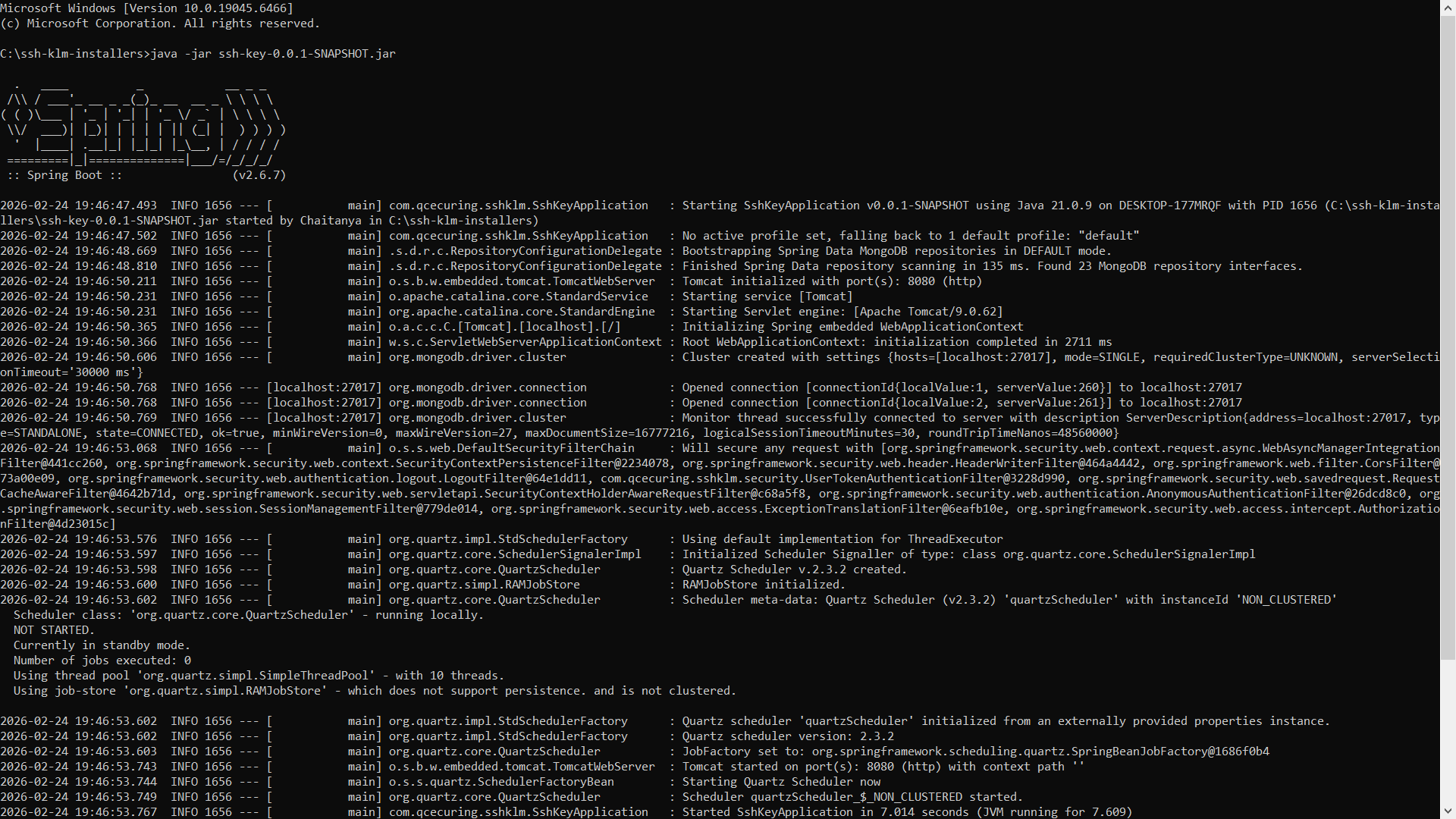
The application will start on:
http://localhost:8080Profiles
Section titled “Profiles”The platform supports environment-based profiles.
Development Mode (default)
Section titled “Development Mode (default)”java -jar ssh-klm.jarUses:
- Local MongoDB
- Development security configuration
- Relaxed agent validation
Production Mode
Section titled “Production Mode”java -jar ssh-klm.jar --spring.profiles.active=prodOr using environment variable:
export SPRING_PROFILES_ACTIVE=prodjava -jar ssh-klm.jarProduction mode enables:
- Strict security policies
- HSM enforcement
- mTLS agent validation
- Hardened configurations
Configuration via Environment Variables
Section titled “Configuration via Environment Variables”Example:
.env settings
# ====================================# SSH-KLM Platform - Environment Template# ====================================
# ===============================# Spring Profile# ===============================SPRING_PROFILES_ACTIVE=prod
# ===============================# Server Configuration# ===============================SERVER_PORT=8080
# ===============================# MongoDB Configuration (REQUIRED in production)# ===============================MONGODB_URI=mongodb://localhost:27017/ssh-klm-db
# ===============================# JWT Configuration (REQUIRED in production)# ===============================# Generate a secure random key (min 256 bits):# openssl rand -base64 32JWT_SECRET=CHANGE_THIS_TO_A_LONG_RANDOM_STRINGJWT_EXPIRATION=1800000
# ===============================# Agent & mTLS Configuration# ===============================MTLS_ENABLED=trueMTLS_DEV_AGENT_ID=dev-agent
# ===============================# Email Configuration (Optional)# ===============================EMAIL_ENABLED=trueEMAIL_FROM=noreply@yourcompany.comEMAIL_HOST=smtp.gmail.comEMAIL_PORT=587EMAIL_USERNAME=your-email@gmail.comEMAIL_PASSWORD=your-app-password
# ===============================# SSL/TLS Configuration (Optional HTTPS)# ===============================SERVER_SSL_ENABLED=false
# ===============================# Reporting & Scheduling# ===============================REPORTING_ENABLED=trueSCHEDULING_ENABLED=true
# ===============================# Swagger / OpenAPI# ===============================SWAGGER_ENABLED=false
And launching application
java -jar ssh-klm.jar --spring.profiles.active=prodHealth Check
Section titled “Health Check”Verify application health:
curl http://localhost:8080/actuator/healthExpected:
{ "status": "UP"}Accessing the UI
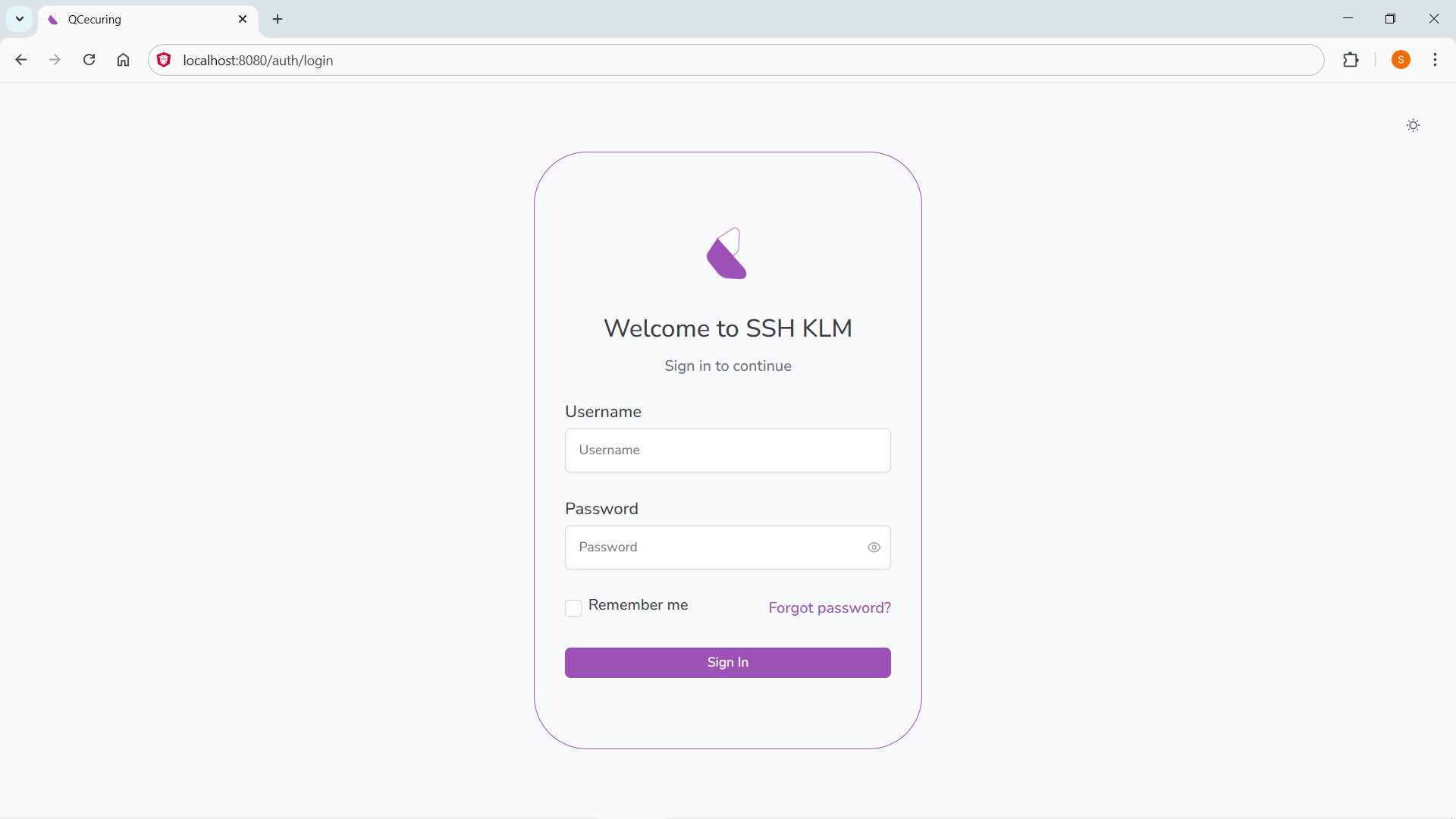
Section titled “Accessing the UI”Once started, open:
http://localhost:8080The UI is served from the same application.
Production Deployment Pattern
Section titled “Production Deployment Pattern”Recommended:
- Run behind a reverse proxy
- Enable HTTPS
- Enable mTLS for agents
- Restrict MongoDB access
- Configure firewall rules
- Rotate JWT secret regularly
- Monitor audit logs